PHOTO RESIZER · FREE · NO UPLOAD
Free online
image resizer.
Resize photos to exact pixels, scale by percentage, or reduce file size in KB with this free online image resizer. Choose your image, adjust the settings, and download a JPG, PNG, WebP or AVIF. Your photos stay in your browser, with no signup or watermark.
On your device. Always.No signup100% free
Your workspace RESIZE · PREVIEW · DOWNLOADPrivate by default
Processed on your deviceNo watermark. No signup.
CHOOSE. RESIZE. DOWNLOAD.
How to resize an image in three steps.
Start with your original photo because repeated saves to a lossy format can reduce detail.
Choose your image
Select a photo, drag it into the editor, or try the sample. JPG, PNG, WebP, HEIC, AVIF, GIF and BMP inputs are supported.
Set the size you need
Enter a width and height in pixels, scale by percentage, or choose a KB target. Keep the proportions locked to preserve the full image.
Preview and download
Check the preview, pixel dimensions and file size. Choose your output format, then select Download to save a new copy to your device.
CHOOSE THE RIGHT APPROACH
What is the difference between resizing and compression?
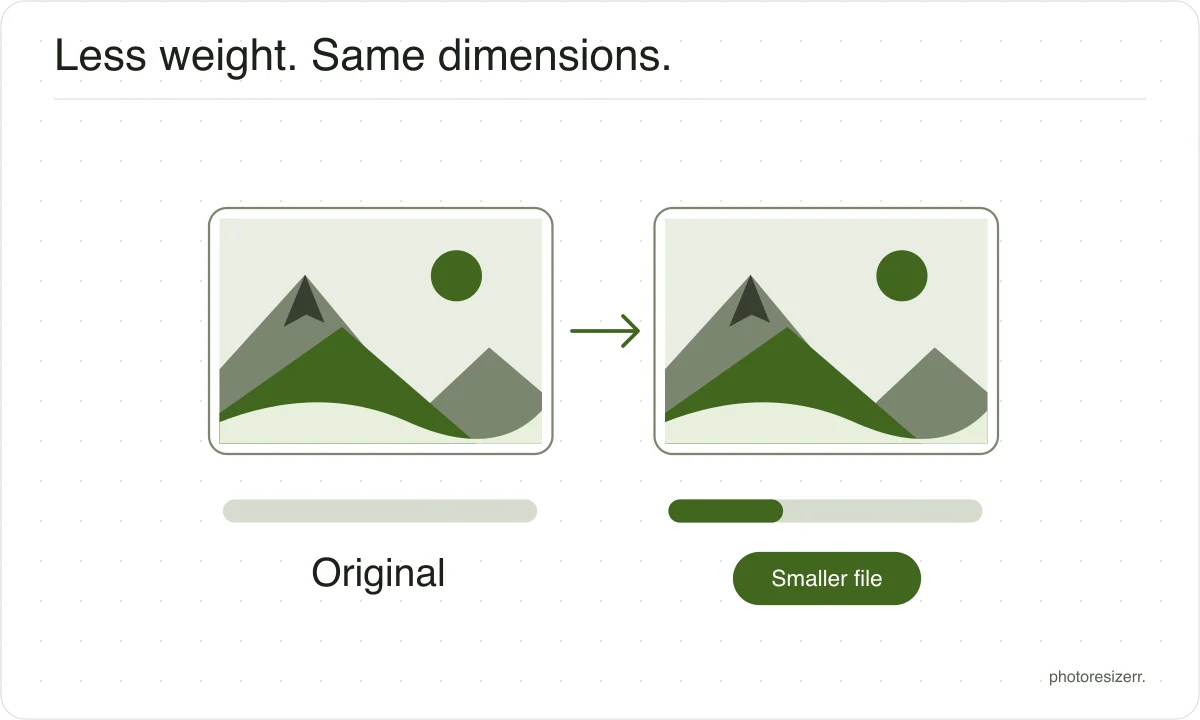
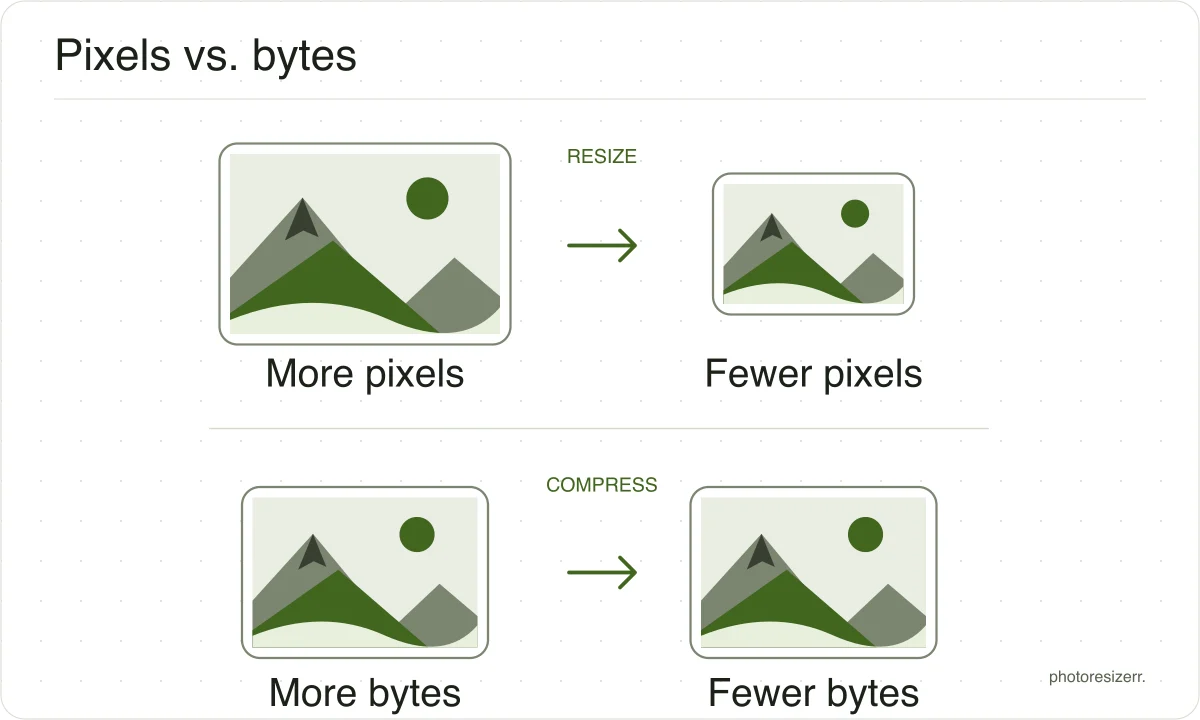
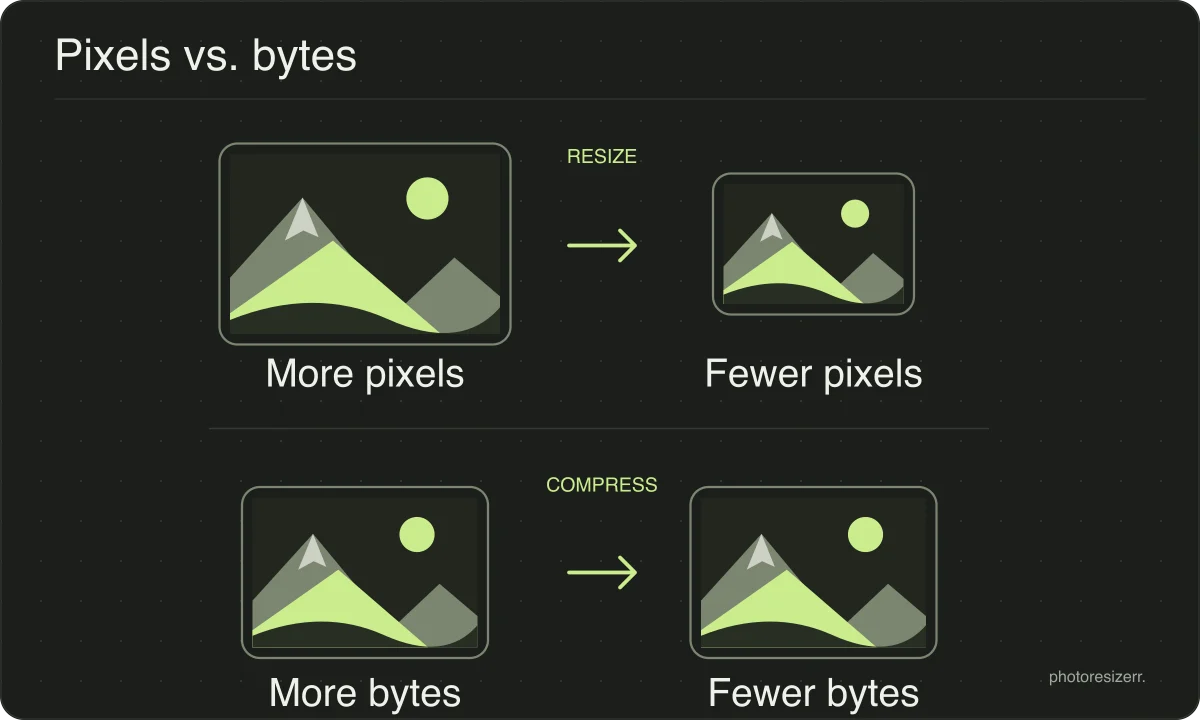
The main difference between resizing and compression is the measurement you change. Resizing changes width and height in pixels. Compression reduces file size in bytes.
A photo can have the correct dimensions and still exceed an upload limit, so check both requirements.
If you need both, set the dimensions first and then adjust quality or the file size target. Work from the original and download once to avoid repeatedly recompressing a saved JPEG.
Which image tool do you need?
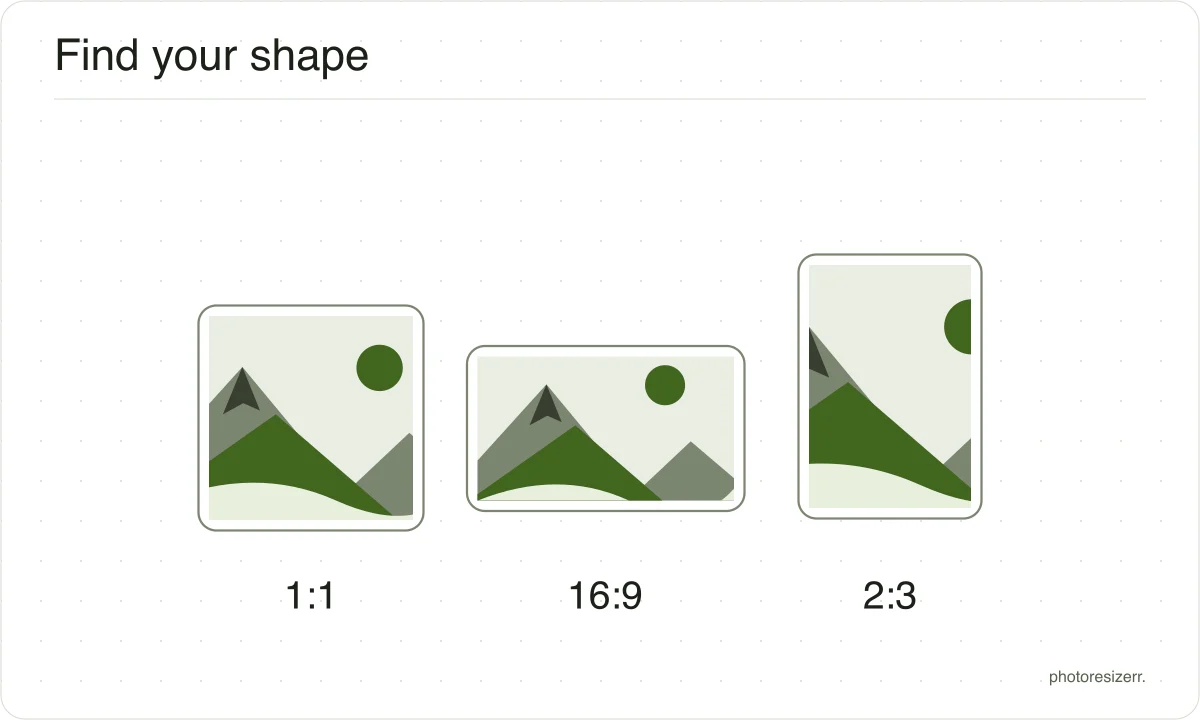
Check whether your destination asks for pixels, a file size, or a different shape. These are separate requirements, and you may need more than one step.
| You need to | Use | What changes |
|---|---|---|
| Set an exact width and height | Resize by pixels | Pixel dimensions. Keep proportions locked to retain the whole image. |
| Stay below an upload limit | Compress an image | File size in KB or MB. Check dimensions separately. |
| Remove unwanted edges | Crop a photo | The visible area. Drag the frame to choose what stays. |
| Use another file format | Convert an image | The output format, such as HEIC to JPG or PNG to WebP. |
| Process several photos | Bulk image resizer | A shared resize rule, with the results in one ZIP. |
| Fix a sideways photo | Rotate or flip an image | Orientation or mirror direction. |
Can you resize an image without losing quality?
Resizing changes pixels. Reducing dimensions removes detail, while enlarging cannot recover missing detail. Start with your largest original, keep its proportions, and check the preview.
Crop and resize before setting output quality, then download once. PNG avoids additional lossy compression, but it cannot restore detail lost during resizing.
Which image formats can you resize?
Open JPG, PNG, WebP, AVIF, HEIC, GIF or BMP. Save as JPG, PNG, WebP or AVIF. Animated inputs become a still image; animation is not preserved.
Choose JPG for photos or PNG for sharp text and transparency. Try WebP or AVIF if your destination accepts them. JPG replaces transparent areas with white.
Resize your image · Social media image sizes · Passport and document photo sizes
Your photos are personal. Let’s keep them that way.
Resizing and compression happen on your device. Your selected photos are not sent to a processing server, and you do not need an account.
GOOD TO KNOW
Image resizer questions
How do I resize a photo to 100 KB?
Choose File size mode and set 100 KB. If quality adjustment cannot reach the target, reduce the width. Check the final size before downloading; an exact byte count is not guaranteed.
Does my image leave my device?
Your photo is edited on your device without an image upload. The website still downloads page resources and image codecs. See the privacy policy for details about other requests.
Can I use this on my phone?
Yes. Use a current browser on your phone, tablet or computer. Large images may exceed available memory. Try a smaller original or a computer if processing fails.
How do I save my resized photo?
Select Download when the preview finishes. Your original stays unchanged. On a phone, check your browser’s downloads or Files app if the result is missing from your photo library.
How do I resize without stretching my photo?
Lock the proportions to keep the whole photo. Choosing an exact box with a different shape crops the edges instead. Use the crop tool to choose what stays.
Is this photo resizer free, with no watermark?
Yes. Resizing is free, with no account or watermark. There is no fixed input size cap, but your browser’s memory limits what it can process. Try smaller files if needed.
Last updated: